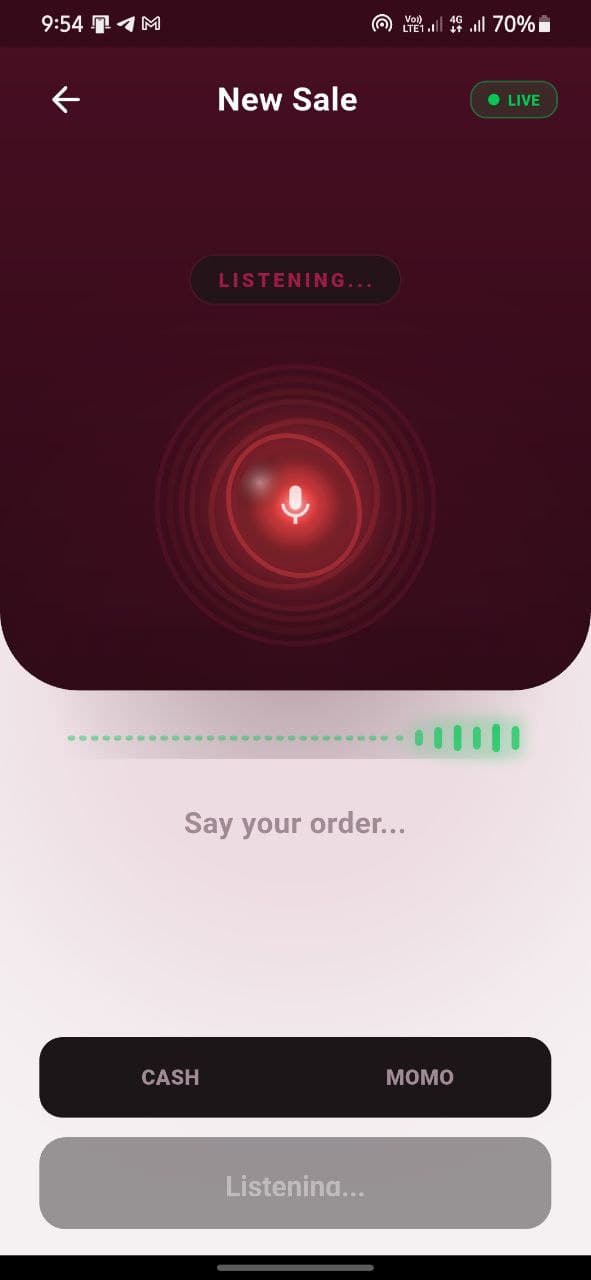
AI voice checkout
Say the order. Review it. Save the sale.
Record sales, take cash or mobile money, manage stock, and see how your business is doing. Makola AI puts the whole shop on the phone you already own.
No POS hardware needed
Download it. Add your products. Start selling.
Sell
Voice or manual checkout
Get paid
Cash and mobile money
Stay stocked
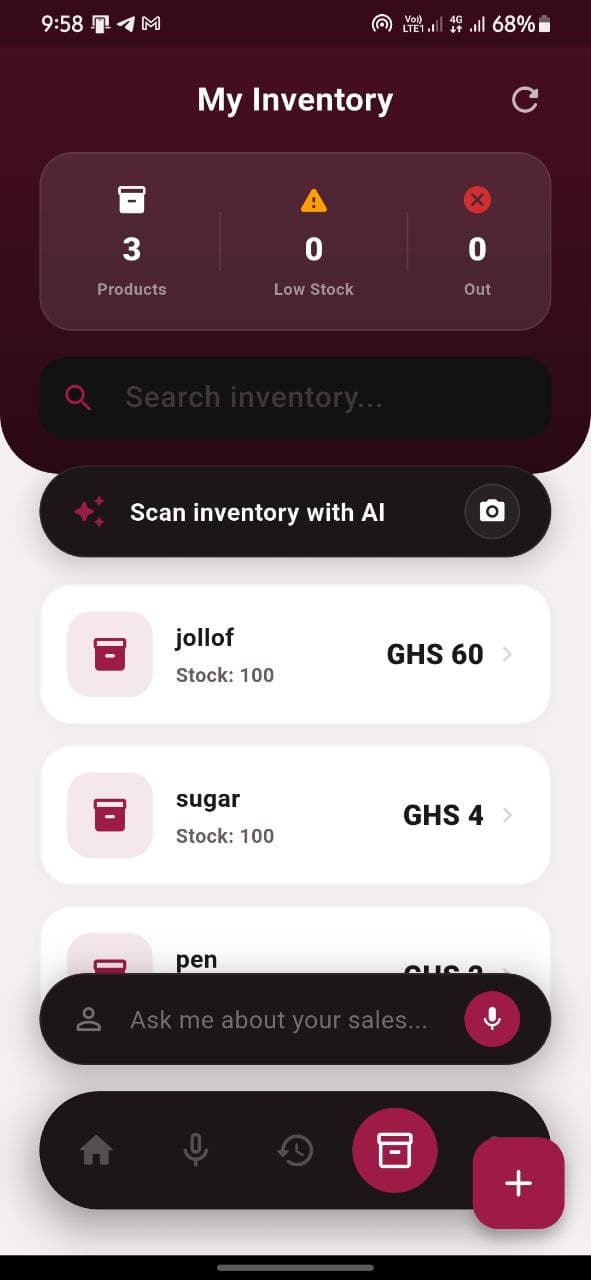
Live inventory tracking
Know more
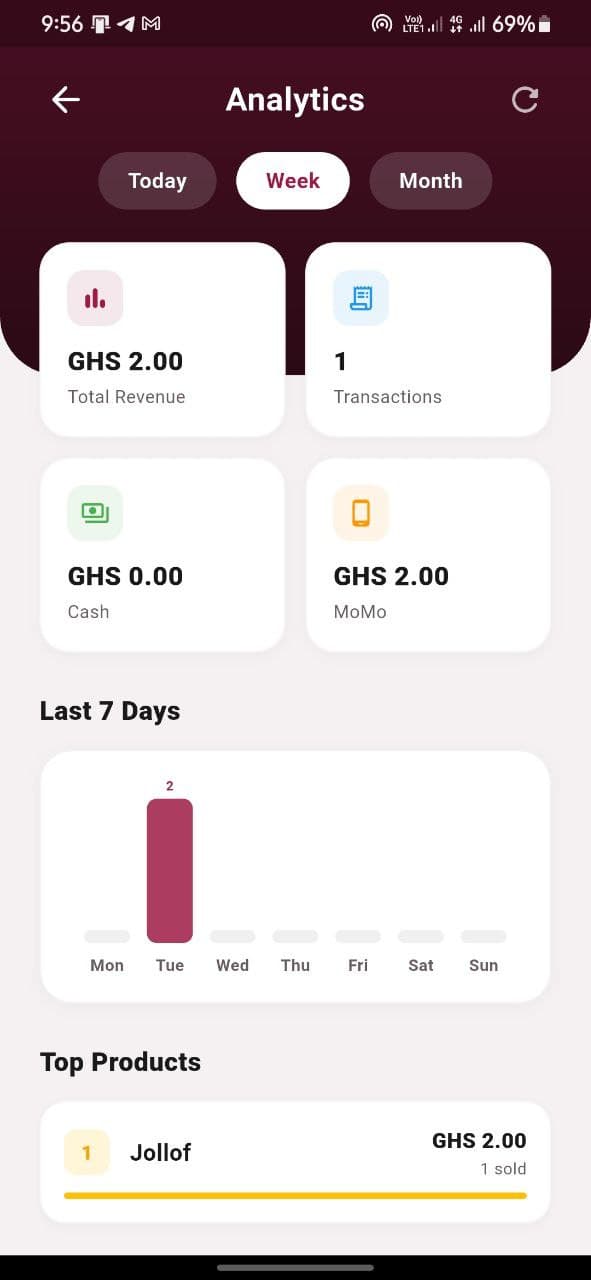
Sales and profit analytics
How the mobile POS works
Add products one by one or use the camera to scan inventory. Set prices and opening stock from the phone.
Products · prices · stock
Speak the order or tap through a manual sale. Review the items, quantities, and total before confirming.
Voice or touch
Choose cash or mobile money at checkout. Makola keeps the payment and the customer order together.
Cash · MoMo
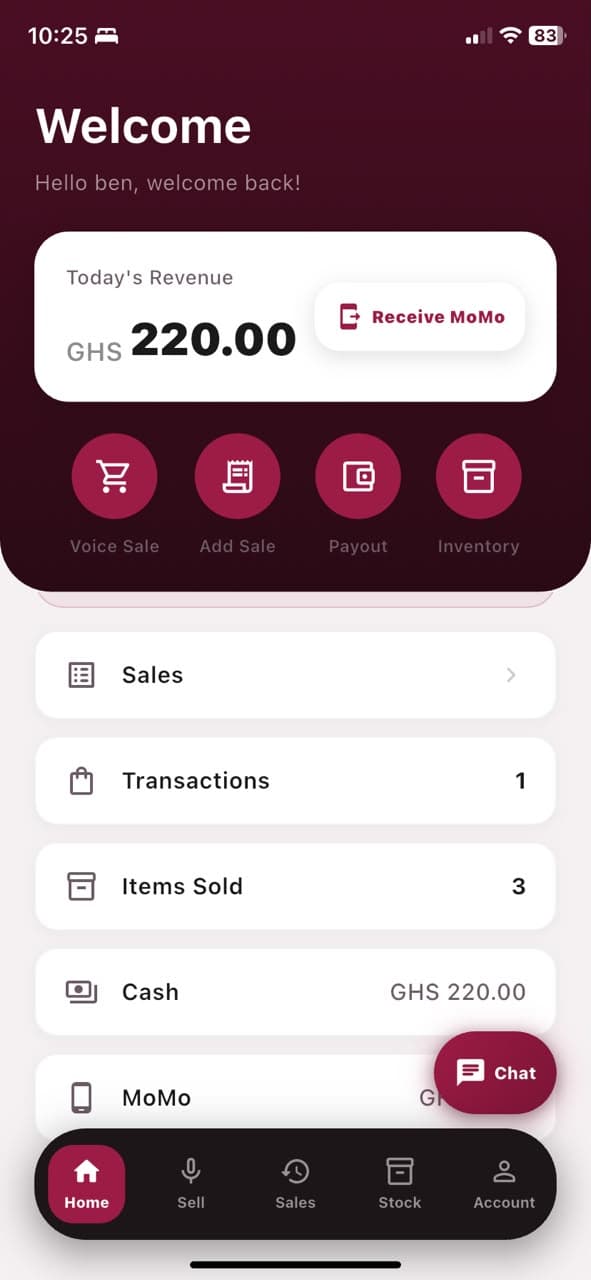
Stock updates automatically while the dashboard turns every sale into a clear view of the day.
Sales · stock · insights
A complete mobile POS
Makola AI is more than voice capture. It replaces the separate notebook, calculator, stock sheet, payment log, and end-of-day guesswork.
Speak an order, add items manually, or scan products. Makola AI turns the customer in front of you into a clean, reviewable sale.
Record cash and receive mobile money from the same checkout. Every payment stays connected to the sale it belongs to.
Stock counts update after each sale. Add products with the camera, change prices, and spot low stock before it costs you a customer.
Follow revenue, transactions, items sold, cash, and MoMo in one daily view, with deeper analytics when you need them.
Move earnings to your mobile money account and keep a clear record of what entered and left the business.
Say the order. Review it. Save the sale.
Use the camera to add and organize products.
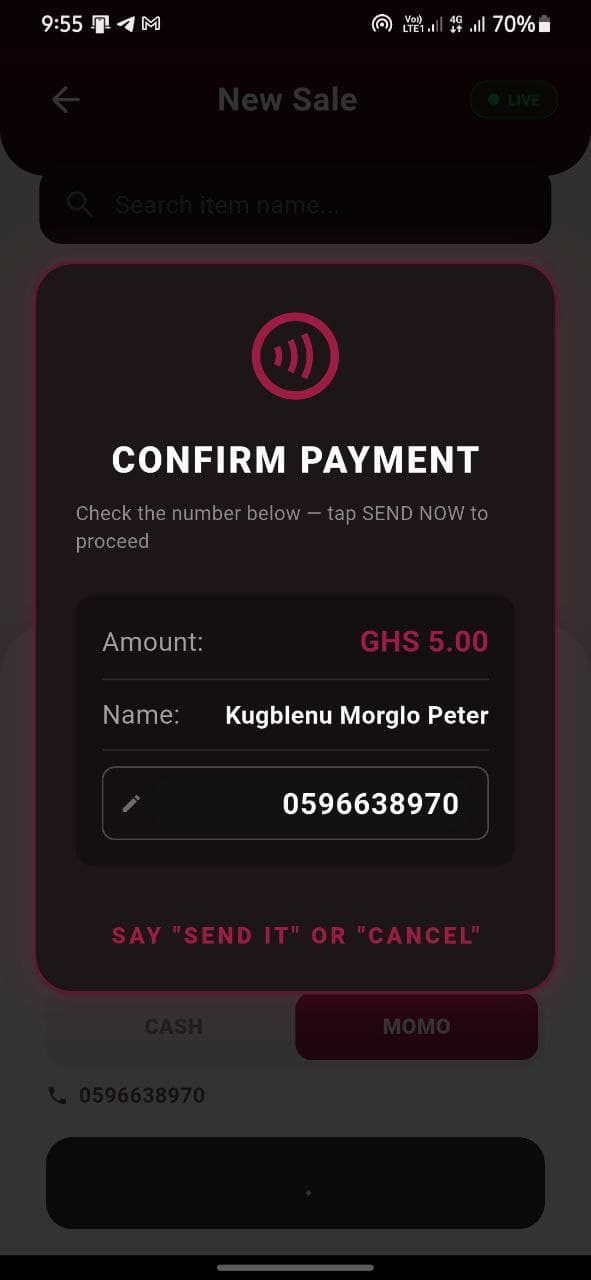
Collect payment without leaving the sale.
Built for market days
Makola is not a desktop system squeezed onto a phone. The product starts with fast conversations, changing stock, and customers waiting in front of you.
Designed around the way vendors switch between Twi, Ga, Pidgin, and English during a busy day.
The sales flow keeps the spoken order visible, giving you a quick way to review it before saving.
Core selling and inventory work is designed to continue when connectivity becomes unstable.
Cash and mobile money records stay attached to the sale that created them.
Your POS is already in your pocket
Download Makola AI on iPhone or Android. Add your products, make a sale, take payment, and watch the numbers update.